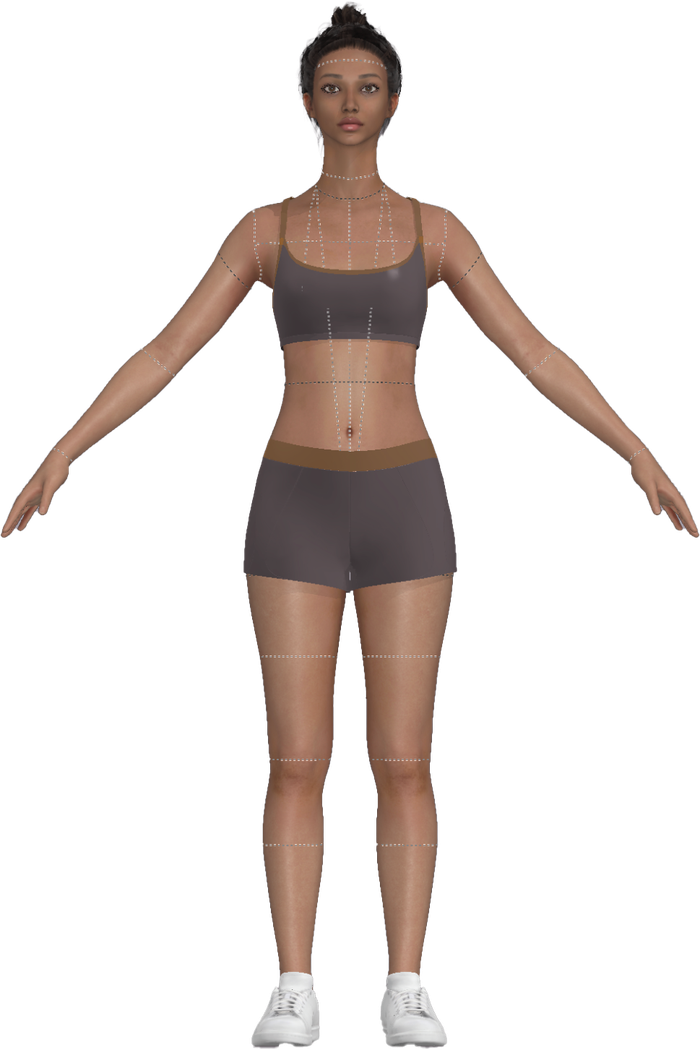
Taking Your Perfect Body Scan
Watch the walkthrough, then follow the steps below for your most accurate scan.
Get Ready
Choose a bright, clutter-free space with natural light. Wear tight, minimal clothing to clearly show your shape.
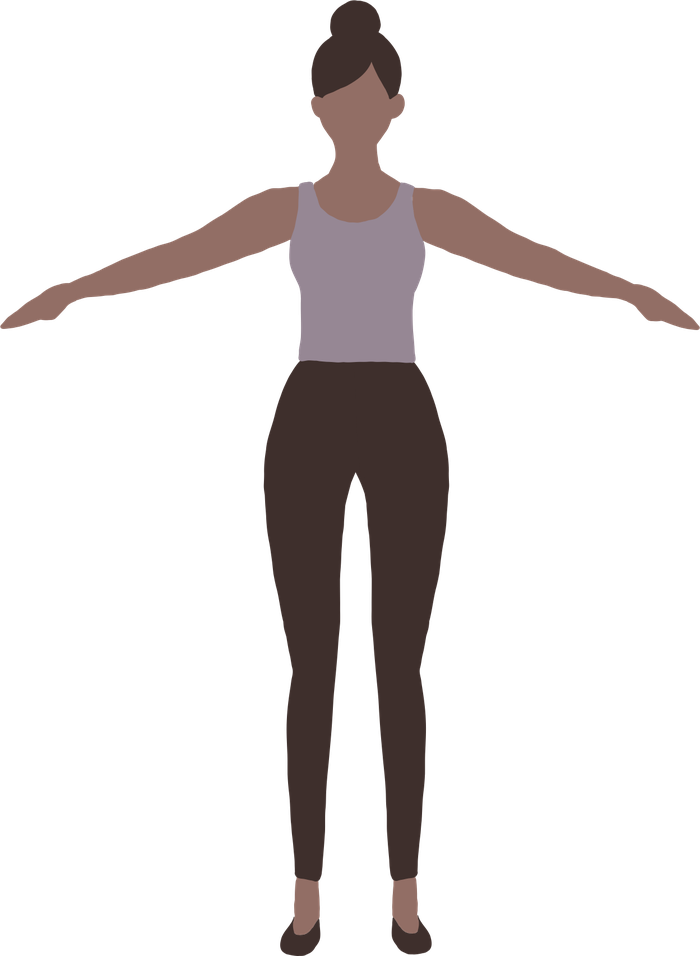
- Stand in an A-pose: feet hip-width apart, arms out at ~45° from your sides. Stand completely still.
- Pull your hair up in a ponytail or bun so your neck is visible.
- Remove any jewelry.
- Wear flat shoes or go barefoot (no heels).
- Clothing should be form-fitting: leggings, yoga pants, compression or spandex shorts.
- Top: a well-fitted underwire bra works best, or alternatively a fitted tank top, or sports bra.
- Avoid dark colors (especially black, dark brown) — light tones and patterns (stripes, dots, textures) work best.
Capture Your Scan
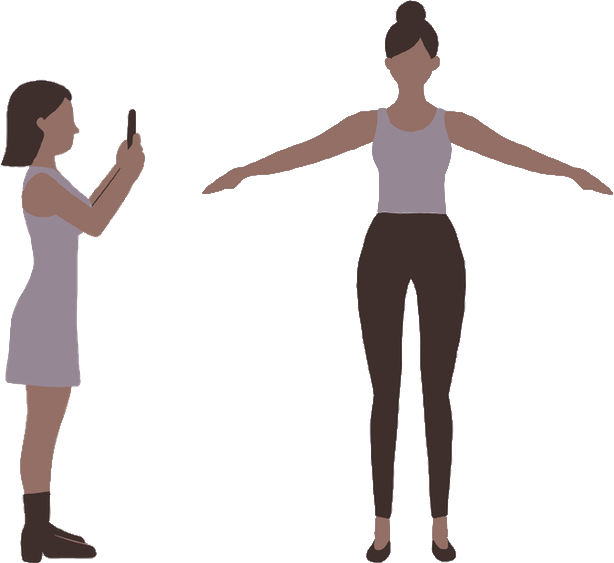
Stand in an A-pose while a friend films a simple 360° walk-around video on their phone. Keep your whole body in frame as they circle slowly for clear angles.
- Space needed: Use a large space so the filmer can stay about a 60-inch radius (≈ 5 feet) from you. This keeps your head and feet fully in frame. Living rooms, patios, parks, or backyards work well, just clear out furniture or obstacles.
- Video length & pace: One continuous video, ideally ~1 minute long. Minimum ~30 seconds; max ~2 minutes. Walk at a steady normal pace, not too fast or too slow.
- Angles / rotations: Refer to the tutorial video for a step-by-step walk-around demonstration.
- Frame consistency: Try to keep models head at the top of the frame and feet at the bottom. Stay centered. Avoid stepping forward or backward.
- Lighting: Bright, even light is key. Outdoor daylight or a well-lit indoor room works best.
- Clutter & background: Keep background free from moving objects.
Finalize and Submit
Upload your video, and we'll turn it into a digital 3D avatar. Review the model to ensure it accurately represents you before we start creating your custom dress form.
- Log in & upload: Sign into your account at yourform3d.com. Under your dashboard, you'll see an option to Upload Your Scan Video. Select your file, click upload.
- We process your scan: We use photogrammetry to convert your video into a precise 3D digital model. This avatar contains all your exact body measurements in an anonymous format.
- Privacy first: Once your scan is processed, your original video is completely deleted and permanently erased from our system. We never store or share your video.
- Preview your avatar: You'll receive a 3D preview of your avatar to review. Take a moment to confirm the model looks accurate and represents your body shape correctly.
- Confirm: Once you approve your avatar, your work is complete. From there, our team gets to work producing your custom dress form and personalized sewing patterns.